
WordPress Staging Site: Test Changes Safely Before They Go Live
How to create a WordPress staging site, keep it private and safe, and move tested changes to the live site without losing data.
Routine maintenance prevents most WordPress emergencies. These guides cover a sensible update policy, PHP upgrades, scheduled tasks and Site Health warnings, and database cleanup. Keep track with the interactive maintenance checklist.
How to create a WordPress staging site, keep it private and safe, and move tested changes to the live site without losing data.
How to roll back a WordPress plugin update to the previous version safely, and what WordPress already rolls back automatically.
What the core_updater.lock option does, why WordPress says another update is currently in progress, and how to clear a stale lock.
How to fix “One or more database tables are unavailable” with WordPress’s repair page, phpMyAdmin or WP-CLI, and when repair cannot help.
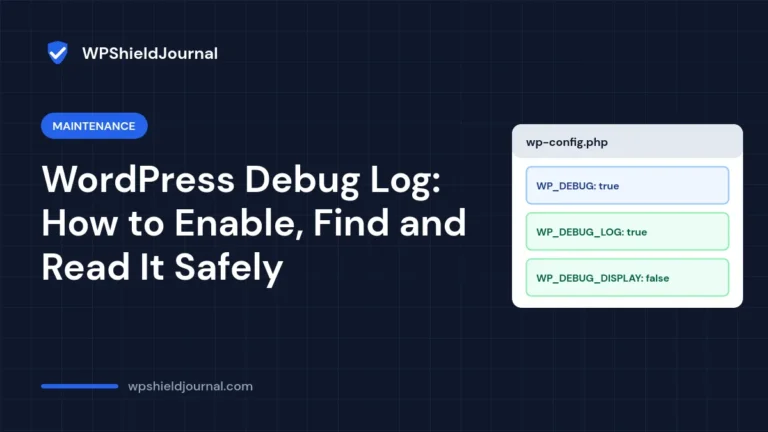
How to enable the WordPress debug log without showing errors to visitors, where debug.log is saved, and how to read it.
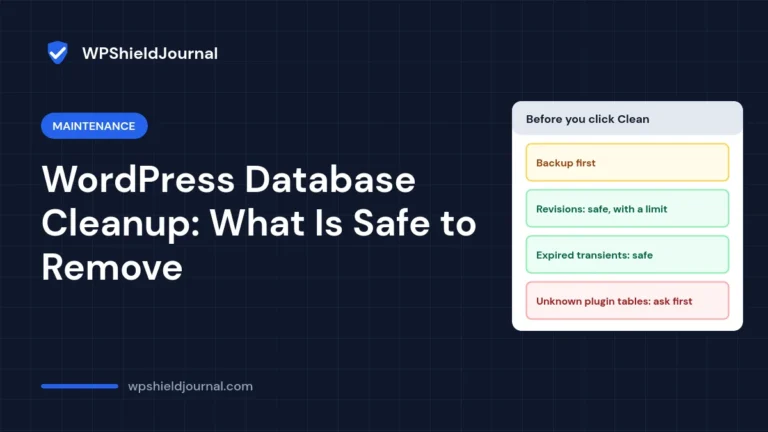
What a WordPress database cleanup can safely remove, what needs care, what to avoid, and how to tell whether your site needs one at all, with real numbers from this site.
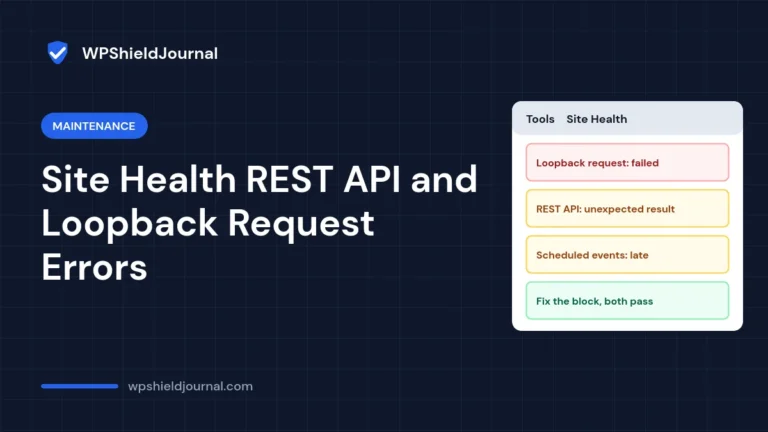
What the WordPress Site Health loopback request and REST API tests actually do, how to read their errors and how to fix firewalls, timeouts, sessions and blocked REST APIs.
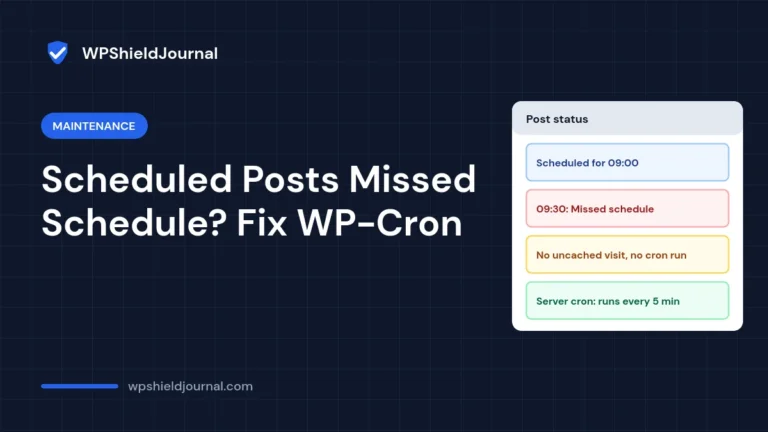
Why WordPress scheduled posts show missed schedule, how WP-Cron is triggered, how to check Site Health and how to set up a reliable server cron.
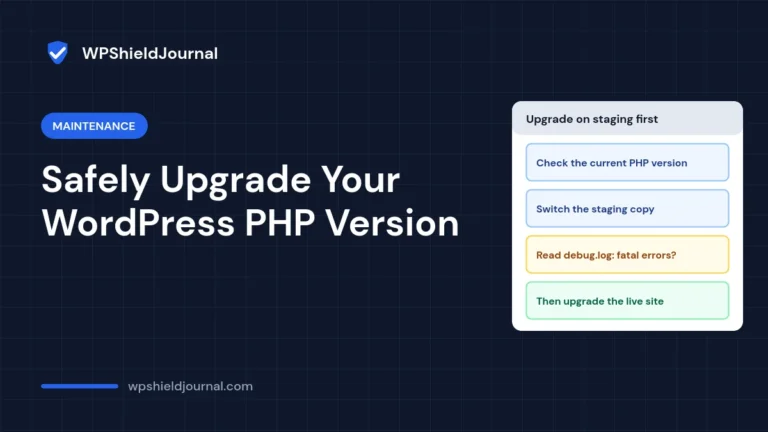
Upgrade the PHP version behind WordPress without breaking your site: check compatibility, test on staging with the debug log, fix fatal errors, then switch the live site.
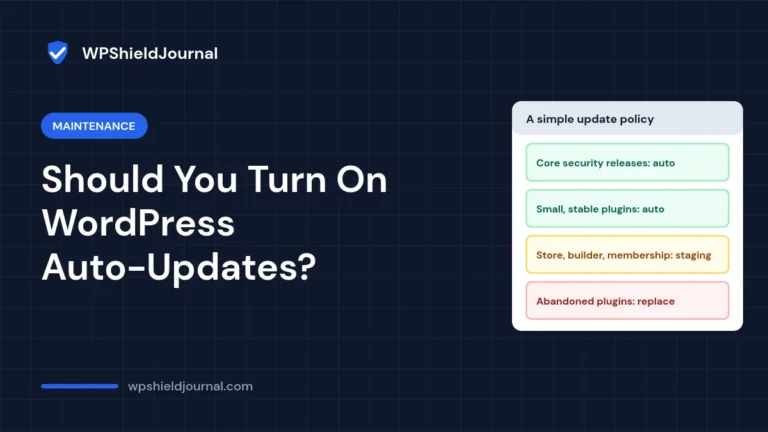
A practical per-plugin policy for WordPress auto-updates, how the controls work, and how to check whether your host has already taken control of updates.