
Deceptive Site Ahead Warning on WordPress: How to Remove It
How to remove Google security warnings such as “Deceptive site ahead” from a WordPress site: clean, secure and request a review.
Practical WordPress security guides for site owners. Learn how to protect logins against brute-force attacks, recognise the signs of a hacked site, investigate spam redirects and unknown administrators, and harden settings such as wp-config.php and XML-RPC. For a step-by-step list, use the security hardening checklist.
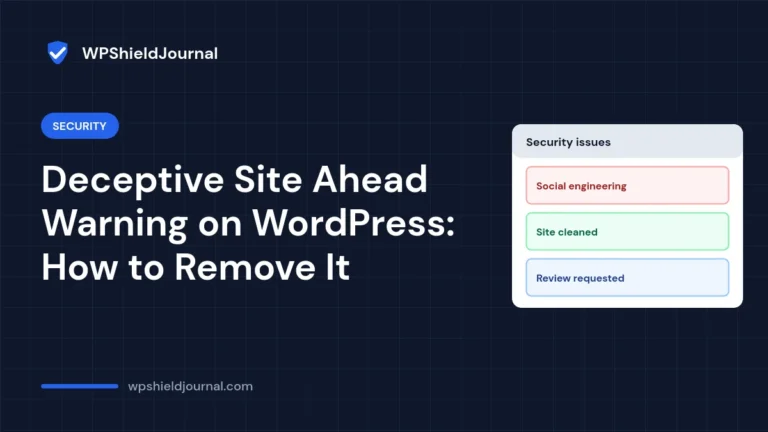
How to remove Google security warnings such as “Deceptive site ahead” from a WordPress site: clean, secure and request a review.
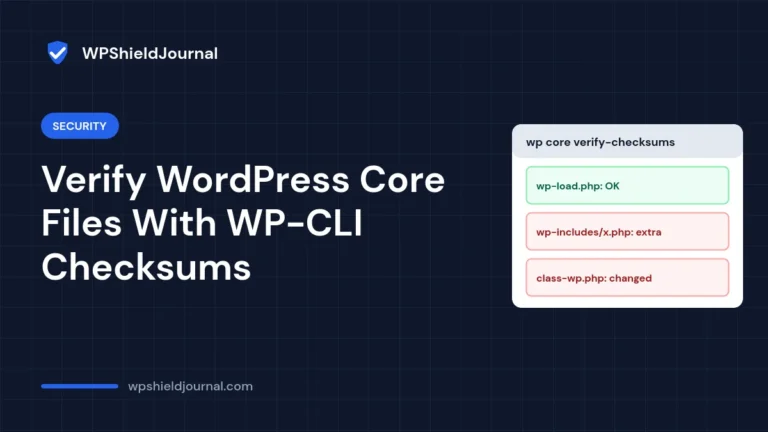
How to verify WordPress core and plugin files against WordPress.org checksums with WP-CLI, and what the check cannot detect.
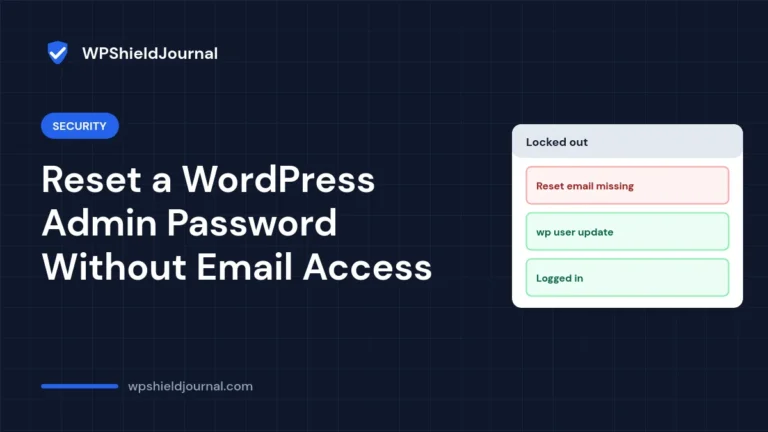
Safe ways to reset a WordPress admin password when the reset email does not arrive, in order from easiest to most technical.
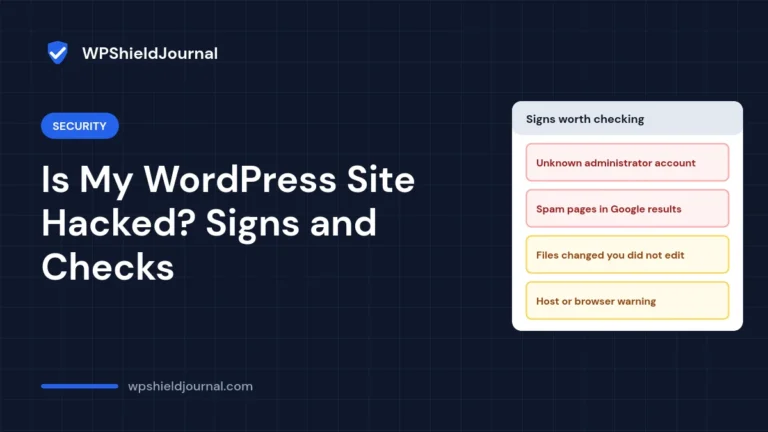
The strong and weak signs of a hacked WordPress site, how to check each one yourself, and the first steps to take if a compromise is confirmed.
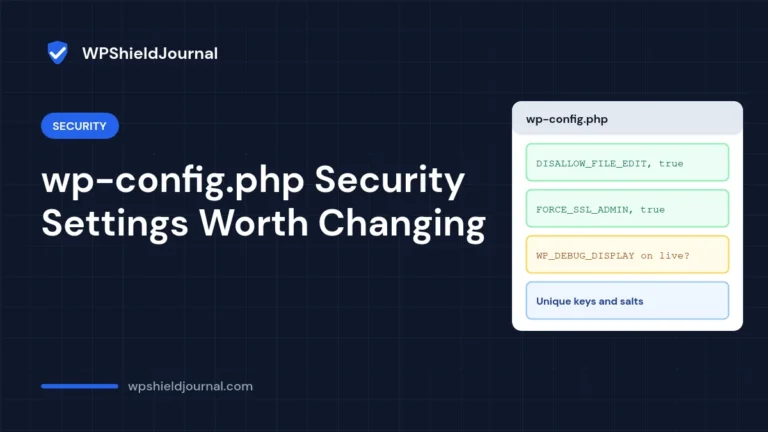
Which wp-config.php security settings genuinely help, which are situational or overrated, the exact lines to add and how to confirm they worked.
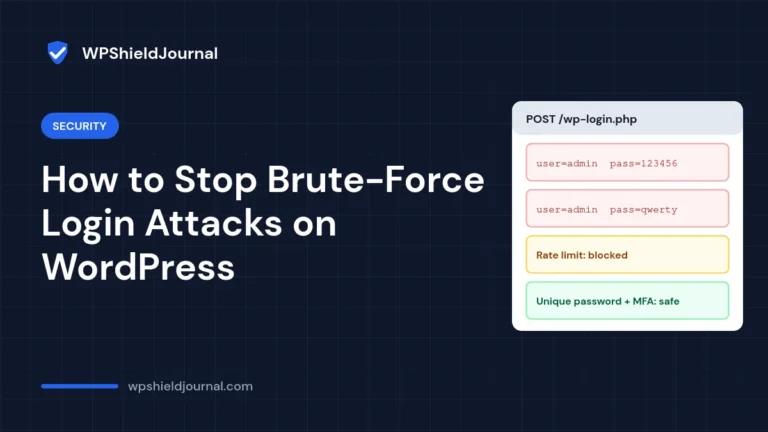
What actually stops brute-force login attacks on WordPress, what only reduces noise, and how to check which usernames your site exposes.
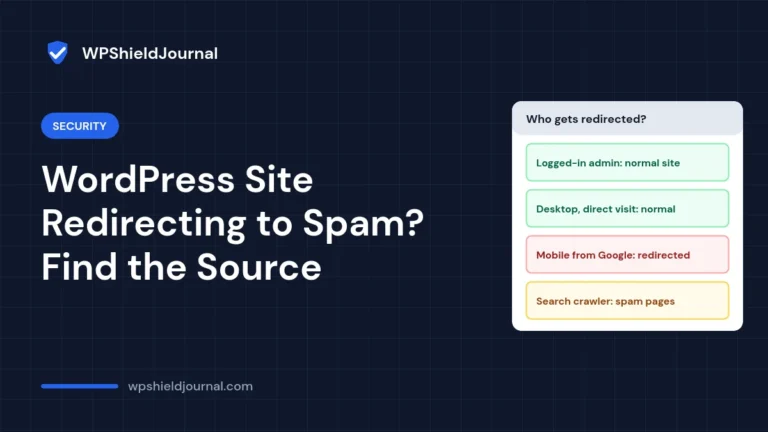
A vendor-neutral guide to finding and removing spam redirects in WordPress: reproduce the conditional redirect, check every hiding place, clean or restore, and stop reinfection.
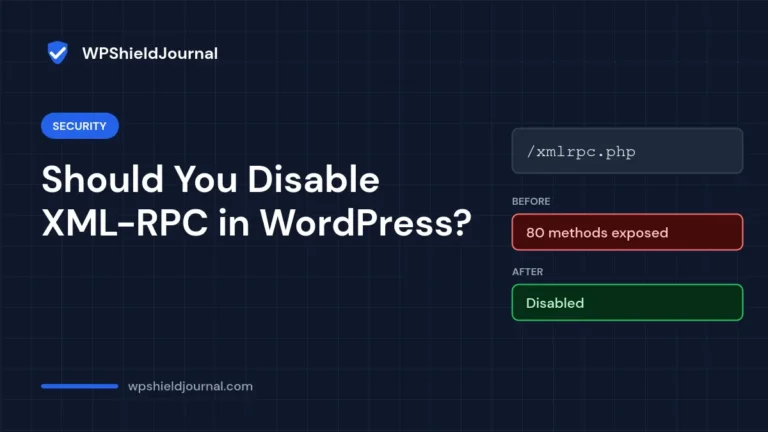
Should you disable XML-RPC in WordPress? Learn what depends on it, how to check whether xmlrpc.php is enabled, and how to block it safely, with a real before-and-after test.
Found an administrator account you did not create, or one that returns after you delete it? Learn how to list every admin from the database, lock out the attacker, and find the code that re-creates the user.