
High admin-ajax.php Usage: Control the WordPress Heartbeat API
Why admin-ajax.php shows up in CPU warnings, how WordPress Heartbeat works, and how to reduce its load safely.
Guides to making WordPress faster without breaking it. Begin by working out whether the server or the page is slow, then fix caching, images and scripts. You will also find our LiteSpeed Cache settings, help with purge problems and a guide to LCP image priority.
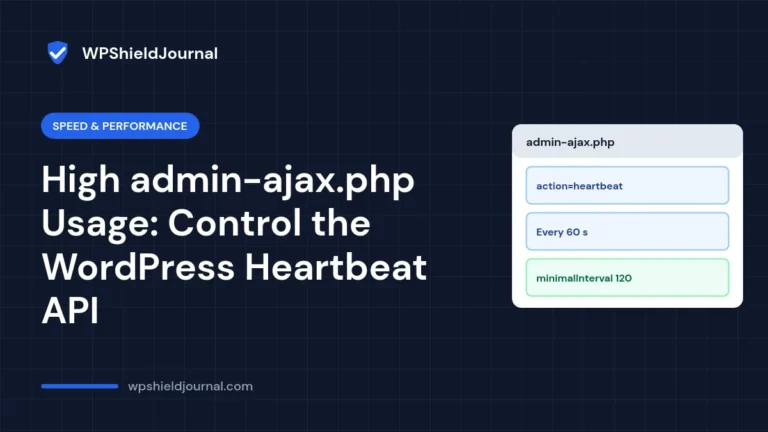
Why admin-ajax.php shows up in CPU warnings, how WordPress Heartbeat works, and how to reduce its load safely.
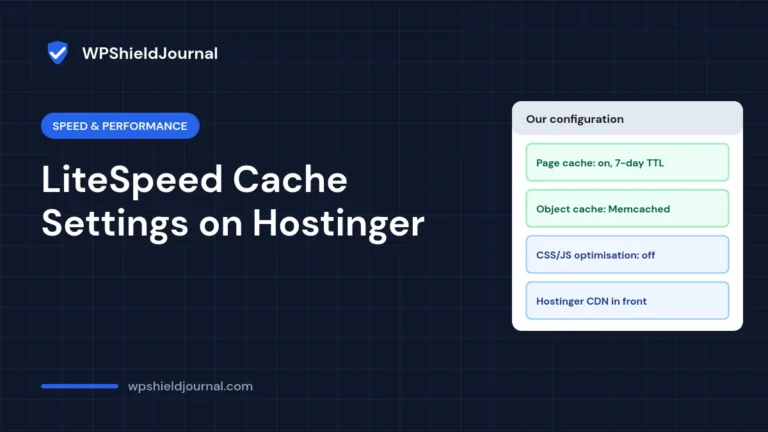
The LiteSpeed Cache configuration this site runs on Hostinger, why each setting is on or off, and how to confirm caching and purging work on your own site.
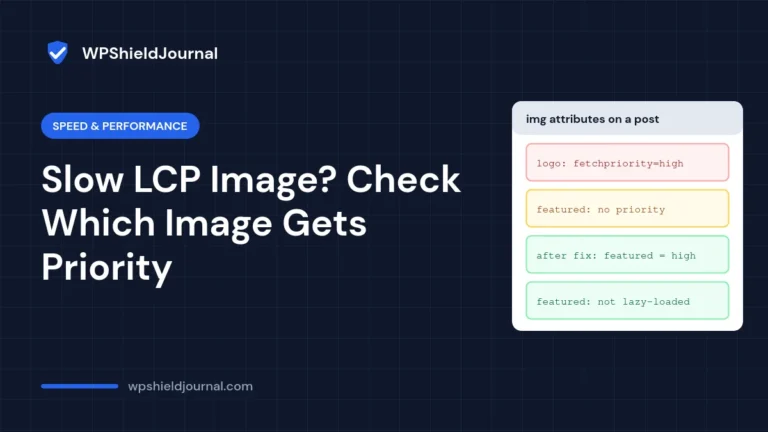
WordPress may give the high fetch priority to your logo instead of your LCP image. Check which image gets priority, fix it, and make the LCP image lighter.
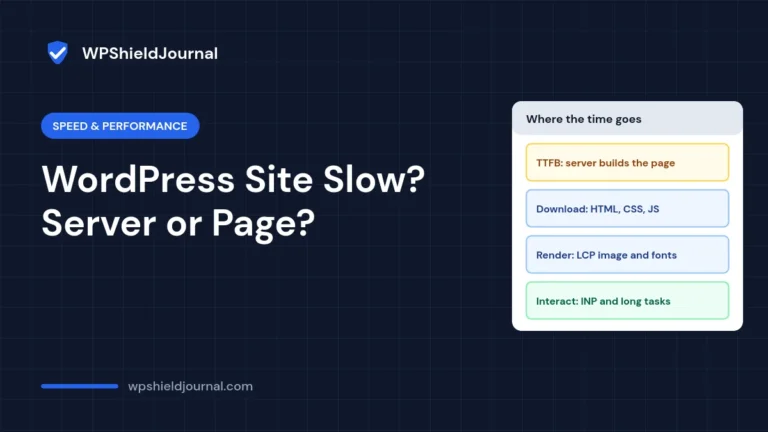
Diagnose a slow WordPress site in minutes by separating server time (TTFB) from page weight and rendering, then fix the right problem first.
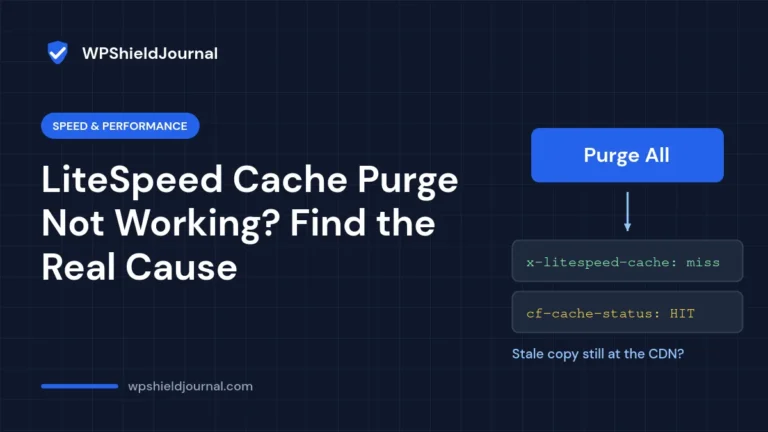
Clicked Purge All in LiteSpeed Cache and nothing changed? Learn how to confirm whether LiteSpeed is caching at all, and how to fix stale pages caused by CDNs, second cache plugins, mobile caches and CSS/JS files.
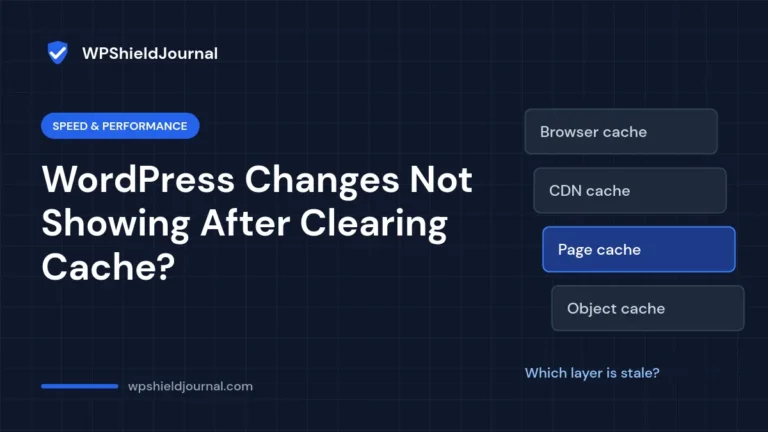
Cleared the cache but your WordPress changes still are not showing? Learn how to find which cache layer is serving the old copy, from the browser and page cache to the CDN, and clear the right one.