Should You Disable XML-RPC in WordPress? How to Check and Block It Safely
Should you disable XML-RPC in WordPress? Security guides often say yes, while some tools and plugins quietly depend on it. This guide explains what XML-RPC does, how to check whether it is enabled on your site, and how to switch it off safely, using a real before-and-after test from our own WordPress site.
Quick answer: if you do not use Jetpack, a publishing app or a remote integration that relies on XML-RPC, it is generally safe to disable it, and doing so removes a common target for automated login attacks. Check first by visiting /xmlrpc.php on your site, disable it with your host’s setting, a security plugin or a server rule, and then confirm that the endpoint no longer works.
What XML-RPC does in WordPress
XML-RPC is an older remote-access interface built into WordPress through the xmlrpc.php file. It lets external software publish posts, manage comments and receive pingbacks without using the dashboard. Most modern integrations use the WordPress REST API instead, but XML-RPC is still enabled by default.
Why attackers target xmlrpc.php
- Faster password guessing. The
system.multicallmethod can bundle many method calls, including login attempts, into a single request. That makes brute-force attacks more efficient and can slip past protections that only count login-page requests. - Pingback abuse. Pingback requests can be used to make your site send requests to other servers, which attackers have used in denial-of-service campaigns.
- Constant bot traffic. Even unsuccessful requests to
xmlrpc.phpuse server resources.
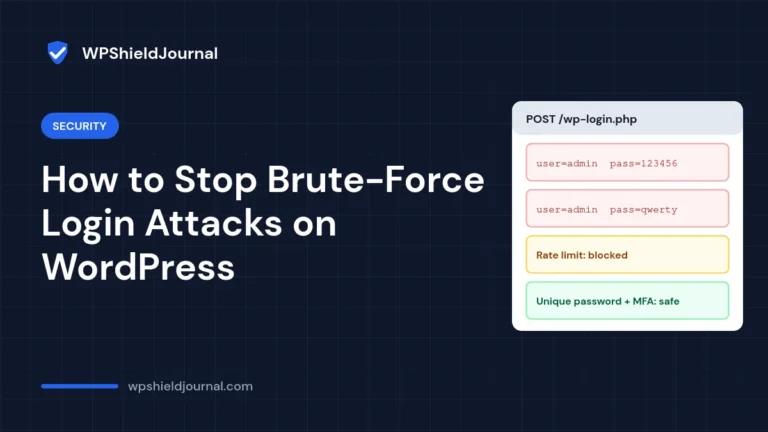
Disabling XML-RPC is not a replacement for strong passwords and two-factor authentication, but it removes an endpoint that most sites never use.
Should you disable XML-RPC? Check what depends on it first
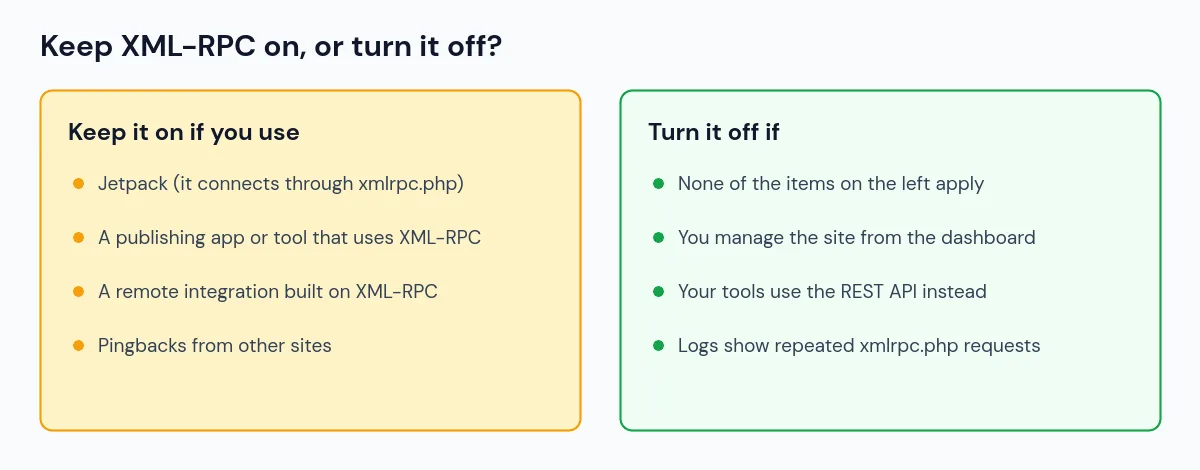
- Jetpack needs
xmlrpc.phpto be reachable for its connection to WordPress.com, as Jetpack support staff have confirmed on the WordPress.org forums. - Publishing apps and remote tools. If you post from a desktop editor, an older app or a service that logs in to your site, check its documentation before disabling anything.
- Pingbacks. Incoming pingbacks arrive through XML-RPC. Many sites switch them off anyway because they attract spam.
Step 1: Check whether XML-RPC is enabled
Open https://your-domain/xmlrpc.php in your browser. If XML-RPC is active, WordPress answers with the message XML-RPC server accepts POST requests only. On our own site, this is exactly what we saw, with an HTTP 405 status.
For a more complete check, send a POST request that asks the server to list its methods. This is read-only and changes nothing:
curl -s -X POST https://your-domain/xmlrpc.php \
  -H 'Content-Type: text/xml' \
  -d '<?xml version="1.0"?><methodCall><methodName>system.listMethods</methodName></methodCall>'
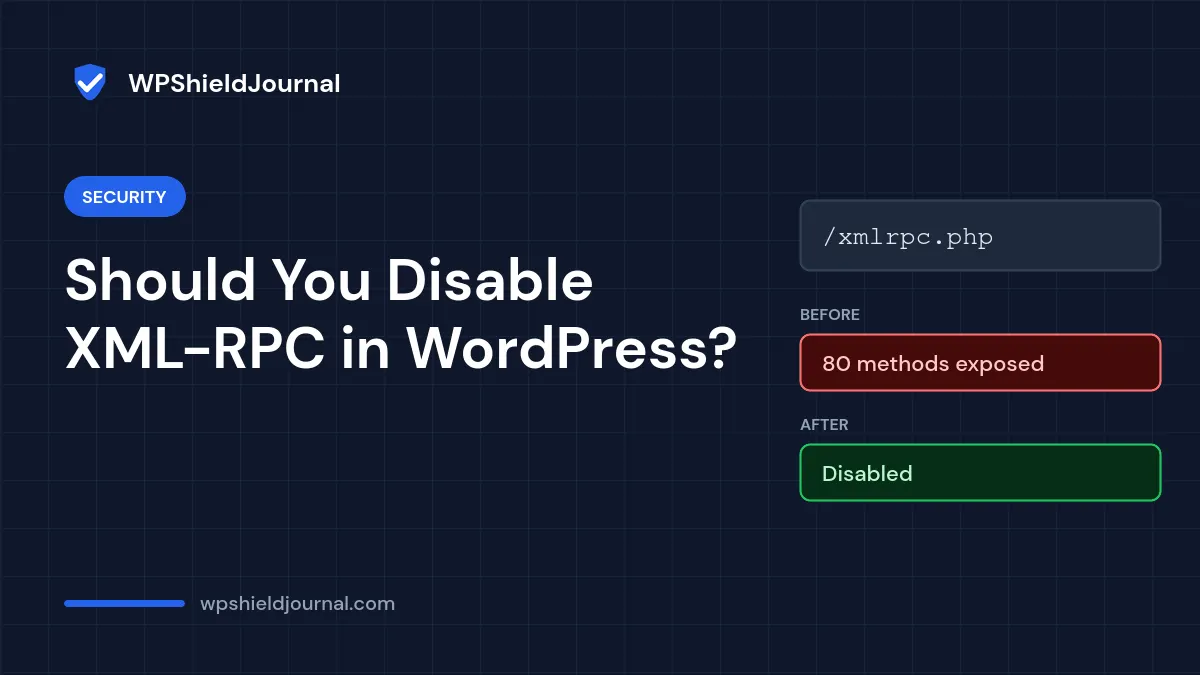
Before we disabled it, our site returned a list of 80 methods, including system.multicall.
Step 2: Disable XML-RPC
Choose one method. Using a single method makes it easier to undo later.
Option A: Hostinger’s built-in switch
On Hostinger, the Hostinger Tools plugin adds a setting for this. In your WordPress dashboard, go to Hostinger → Tools and turn on Disable XML-RPC. We used this method on our own site. In the version we inspected (Hostinger Tools 3.0.79), it stops any request to xmlrpc.php with the text Disabled and also turns off WordPress’s authenticated XML-RPC methods.
Option B: Block the file at the server
On Apache 2.4 servers (and compatible servers that read .htaccess), add this rule to the .htaccess file in your WordPress folder, outside the # BEGIN WordPress block. Download a backup copy of the file first.
<Files xmlrpc.php>
    Require all denied
</Files>
On Nginx, the equivalent goes in your server configuration, usually through your host:
location = /xmlrpc.php {
    deny all;
}
A server-level block stops the request before WordPress loads, so it typically returns a 403 Forbidden response.
Option C: A security plugin
Many WordPress security plugins include an option to disable XML-RPC or its authentication. Check the plugin’s documentation for exactly what its option blocks.
Limitation of the xmlrpc_enabled filter: some guides suggest adding add_filter( 'xmlrpc_enabled', '__return_false' ); to a theme or plugin. According to the WordPress developer reference, this filter only disables XML-RPC methods that require authentication. It does not stop pingbacks or other unauthenticated methods, so on its own it is a partial measure.
Step 3: Confirm XML-RPC is really disabled
Repeat the checks from Step 1. Here are the results from our site before and after we turned on Hostinger’s switch:
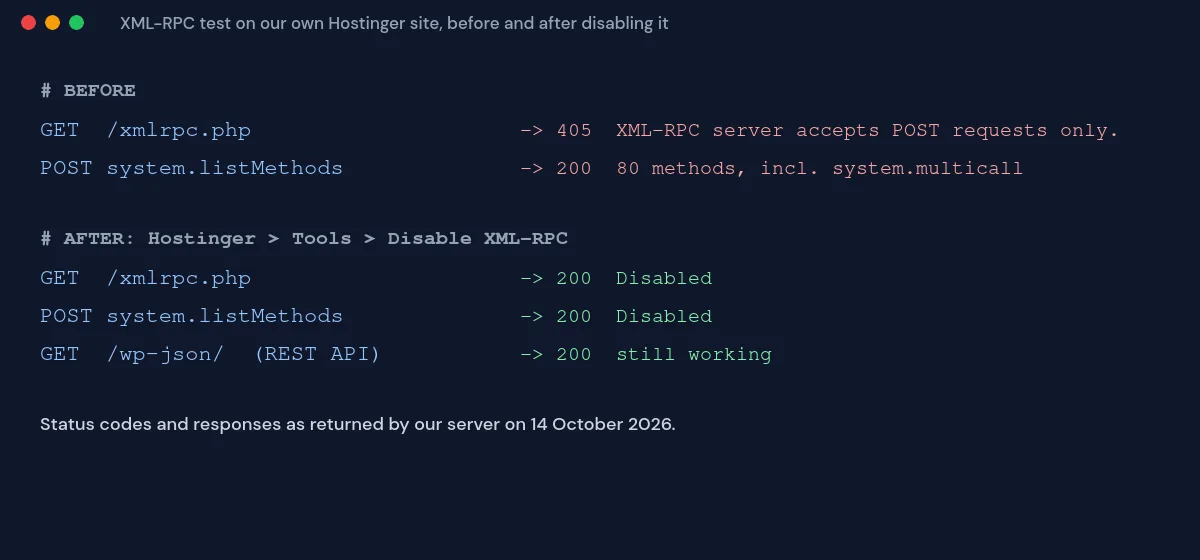
- With Hostinger’s switch, the response is the word Disabled, sent with an HTTP 200 status. That still means the endpoint is blocked; the status code is simply not an error code.
- With a server-level rule, expect 403 Forbidden.
- Afterwards, check that the things you do use still work, for example logging in, publishing, contact forms and any connected services.
If something stops working
Turn XML-RPC back on using the same method you used to disable it, then confirm the feature works again. If only one integration needs XML-RPC, ask your host or security plugin whether you can allow that service’s IP addresses while blocking everything else.
Other ways to protect your login
- Use long, unique passwords for every administrator.
- Turn on two-factor authentication.
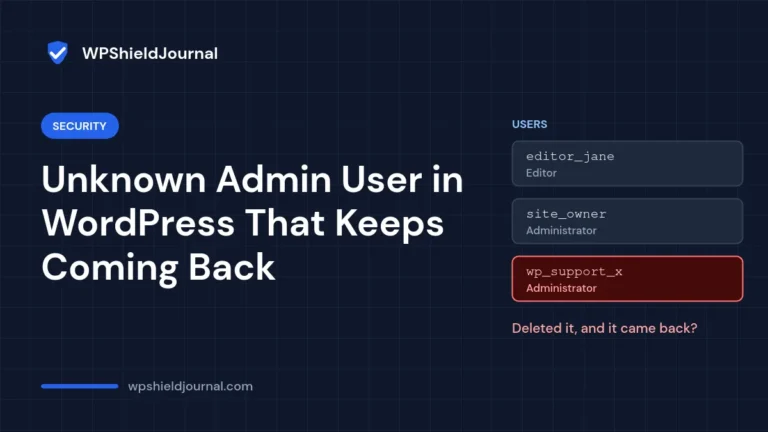
- Limit administrator accounts to the people who need them, and review them regularly. Our guide to an unknown admin user that keeps coming back shows how to list every administrator from the database.
- Keep WordPress, plugins and themes updated.
Related guides
Browse all our Security guides for more ways to harden a WordPress site.
References
- xmlrpc_enabled hook (WordPress Developer Resources)
- WordPress.org support thread: Jetpack needs xmlrpc.php for its connection
- xmlrpc.php in WordPress: What is it and why disable it (Hostinger)
Conclusion
XML-RPC is an old interface that most WordPress sites no longer need. Check whether anything depends on it, disable it with one clear method, and test /xmlrpc.php afterwards to confirm it is blocked. Pair it with strong passwords and two-factor authentication for real login protection.